Budgeting for an Image Generation API: A Practical Checklist for Developers
Why budgeting for an image generation API matters
When you integrate an image generation API into an application, the costs can creep up faster than you expect. A single request might produce one image, but scaling to hundreds or thousands of calls per day changes the math completely. Developers who treat API costs as an afterthought often end up with unexpected bills or degraded user experiences. A clear budgeting checklist helps you plan ahead and avoid surprises.
The real challenge is that image and video generation APIs charge based on variables like resolution, duration, and the complexity of the output. A low-resolution thumbnail costs far less than a high-definition video clip. Understanding these variables before you commit to a provider lets you estimate usage accurately and keep your project within budget.
1. Understand the pricing model per request
Every image generation API has its own pricing structure. Some charge per image, others per second of video, and a few use a credit system. You need to know exactly what triggers a charge. For example, an API might count each generated image as one request, but if you request multiple variations in a single call, each variation could count separately. Read the fine print on how the provider counts requests, especially for batch operations.
Also check if there is a minimum charge per request. Some APIs have a floor cost even for tiny outputs. If your use case involves many small images, this can add up. The best approach is to build a simple spreadsheet that maps your expected call volume to the pricing table. That gives you a realistic monthly figure.
2. Factor in resolution and quality settings
Resolution directly affects both the cost and the speed of generation. A 256x256 image costs less than a 1024x1024 one, and the difference can be significant. Video generation APIs often charge by the frame or by the duration, so a 30-second clip at 1080p will cost more than a 10-second clip at 720p. Decide on the minimum acceptable quality for your application before you compare providers.
If your project can work with lower resolutions for previews and only needs high resolution for final output, you can save a lot. Some APIs let you specify resolution per call, so you can dynamically adjust based on the context. This flexibility is worth looking for.
3. Watch for hidden costs in generation queues
Many image generation APIs use a queue system. You submit a request, wait for it to be processed, and then retrieve the result. Some providers charge extra for priority queue access. If your application needs real-time responses, you might end up paying a premium to skip the standard queue. Others throttle requests when you exceed a certain rate, and exceeding that rate can incur additional fees or degrade the quality of service.
Check the provider's documentation on queue limits and priority pricing. If you expect a high volume of concurrent requests, factor in the cost of a higher tier or a dedicated queue. Otherwise, your users could face long waits, and you could face unexpected overage charges.
4. Account for output storage and bandwidth
The generated media files need to go somewhere. Some APIs include temporary storage for a limited time, but after that, you have to download and host the files yourself. Storage costs for images and videos can become substantial, especially if you keep every generated output. Likewise, bandwidth for serving those files to users adds to your overall expense.
Consider whether you need to keep all generated outputs. For many applications, only the final approved versions need to be stored. Temporary outputs can be discarded after the user confirms the result. This reduces both storage and bandwidth costs. Also, check if the API provider offers compression options or allows you to specify output format to reduce file size.
5. Evaluate the provider's free tier and trial limits
Most image generation APIs offer a free tier or a trial with limited requests. This is useful for prototyping and testing, but be clear about what happens when you exceed the limit. Some providers simply stop serving requests, while others automatically charge you for overage. Know the threshold and set up alerts or hard caps in your code to avoid accidental charges.
If you are building a commercial application, the free tier is rarely sufficient for production. Still, it gives you a way to estimate your actual usage patterns before committing to a paid plan. Run a pilot with the free tier and track how many calls you make in a typical day. That data will inform your budget more accurately than any guess.
6. Compare providers on media output quality and speed
Price per request is only one part of the equation. The quality of the generated images and videos matters for user satisfaction. A cheaper API that produces blurry or incoherent outputs might cost you more in retries and user frustration. Similarly, speed affects the user experience. If your application is interactive, a slow generation API can kill engagement.
Test multiple providers with the same prompt and compare the results. Look at consistency, detail, and how well the API handles different styles. Some providers excel at photorealistic images, while others produce better illustrations. Choose the one that matches your use case, not just the lowest price.
7. Plan for scaling and concurrency
Your usage will likely grow over time. An API that works well for a few hundred requests per day may become too expensive or too slow at thousands per hour. Check whether the provider scales seamlessly or imposes hard limits. Some APIs charge more per request at higher volumes, while others offer volume discounts. Negotiate a custom plan if your projected volume is high.
Concurrency limits are another factor. If your application sends many requests simultaneously, the API might queue them or reject some. Look for a provider that allows a reasonable number of concurrent requests without a premium. Otherwise, you may need to implement your own queuing system, which adds complexity and potential latency.
8. Use a unified API to simplify budgeting
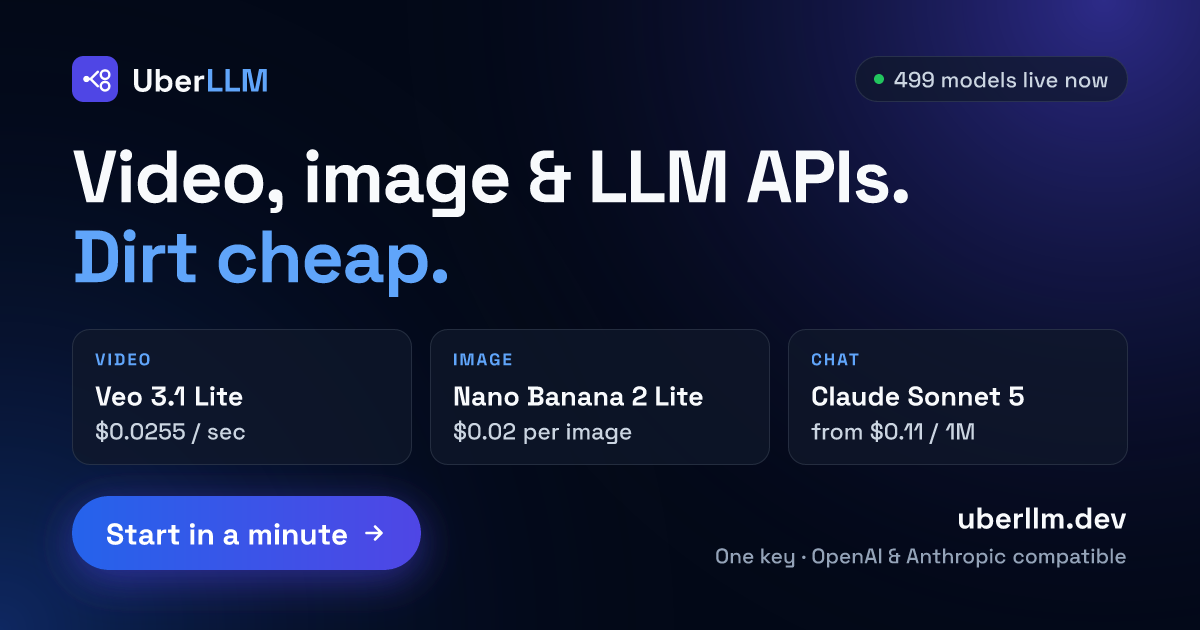
Managing multiple API subscriptions for image, video, and audio generation can be a budgeting nightmare. Each provider has its own pricing, limits, and billing cycles. One way to simplify is to use a service that aggregates multiple models under a single API. For example, UberLLM provides one OpenAI and Anthropic compatible API for accessing LLM, image, video and music models through competing sellers at prices below list rates with no subscription or fee on requests. That kind of unified access lets you compare costs across providers without maintaining separate accounts and monitoring separate dashboards.
When you budget through a single API endpoint, you can track all your media generation costs in one place. It also makes it easier to switch between models based on cost and quality without rewriting your integration. If you find that one model is too expensive for a certain task, you can try another model through the same API without reworking your code.
9. Monitor and adjust your budget regularly
Budgeting is not a one-time task. Set up monitoring for your API usage and costs. Many providers offer usage dashboards, but you can also log each request and its cost in your application. Review the data weekly or monthly to spot trends. You might discover that certain prompts generate larger outputs than expected, or that a particular feature drives more usage than anticipated.
Use that data to adjust your budget and your usage patterns. For example, if you notice that a certain resolution is used most of the time, consider pre-generating those images at a lower resolution and upscaling only when needed. Small optimizations add up over time.
10. Build in a buffer for unexpected spikes
No budget survives contact with users. A viral post or a marketing campaign can spike your API usage by orders of magnitude. Without a buffer, that spike could result in a huge bill or a service outage. Set aside a contingency fund or a usage cap in your code to handle unexpected surges. Many APIs allow you to set hard limits that stop requests once you reach a certain cost threshold.
If your application is critical, consider a hybrid approach: use a premium API for high-priority requests and a cheaper one for background or less urgent tasks. That way, you can absorb spikes without blowing your budget.
By working through this checklist, you can approach image generation API budgeting with confidence. The key is to understand every cost driver, test before committing, and keep monitoring after launch. Whether you are building a small prototype or a large-scale application, these steps help you stay in control of your spending while delivering the media your users expect.